Financial Software for Professionals
Software built for the numbers people.
Morgallion builds focused, powerful tools for accountants and bookkeepers — software that understands your workflow, your data, and your clients.
Our Products
Tools that solve real problems.
We're building a focused suite of software for finance professionals. Each product does one job, and does it exceptionally well.
 AnyRec in Action
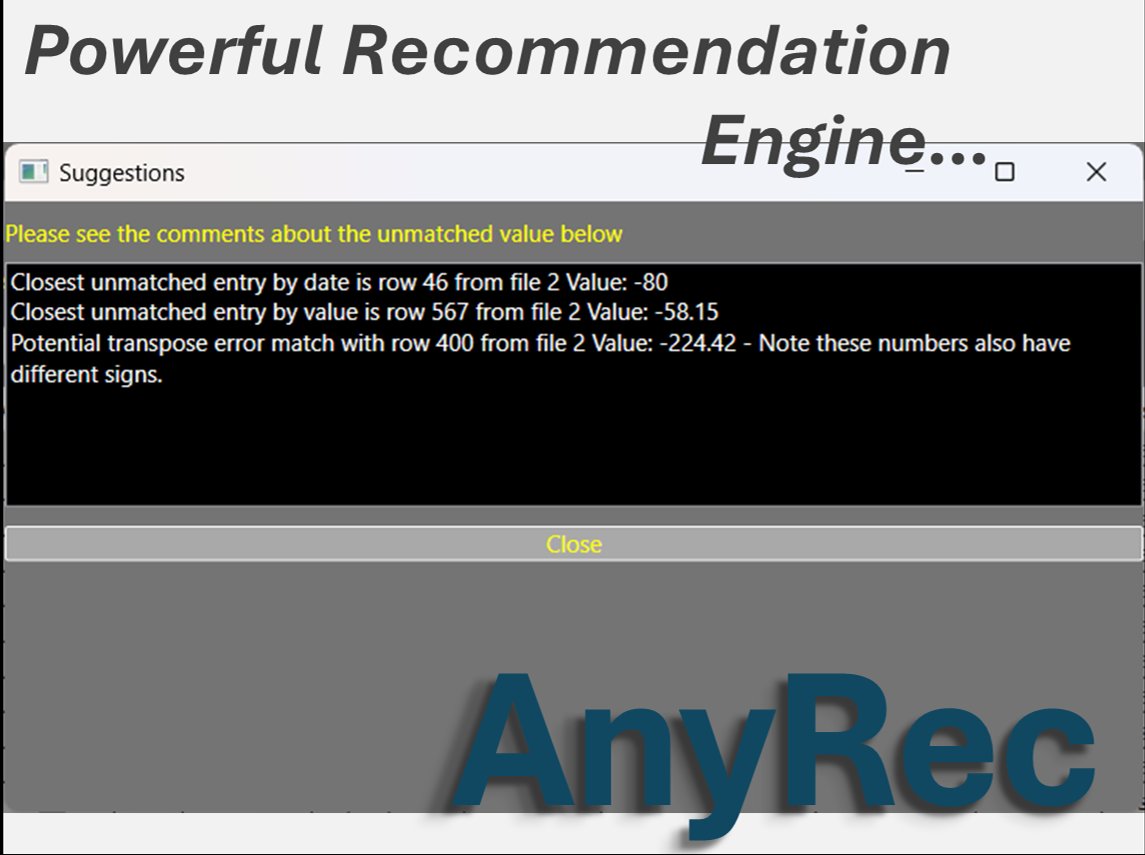
Intelligent suggestions, not just raw data.
When AnyRec finds an unmatched item, it doesn't leave you guessing. Its recommendation engine analyses your data and surfaces the closest candidates — by date, by value, and by potential transposition errors — so you can resolve exceptions faster and with greater confidence.
Why Morgallion
Designed for the way you work.
We focus on the unglamorous, time-consuming tasks that slow finance professionals down — and make them fast, accurate, and simple.
🔗
Works with any software
Our tools are built to be software-agnostic. Import data from any accounting package, bank, or spreadsheet.
⚡
Fast and focused
No bloat, no unnecessary features. Each product is purpose-built for a specific professional task.
📋
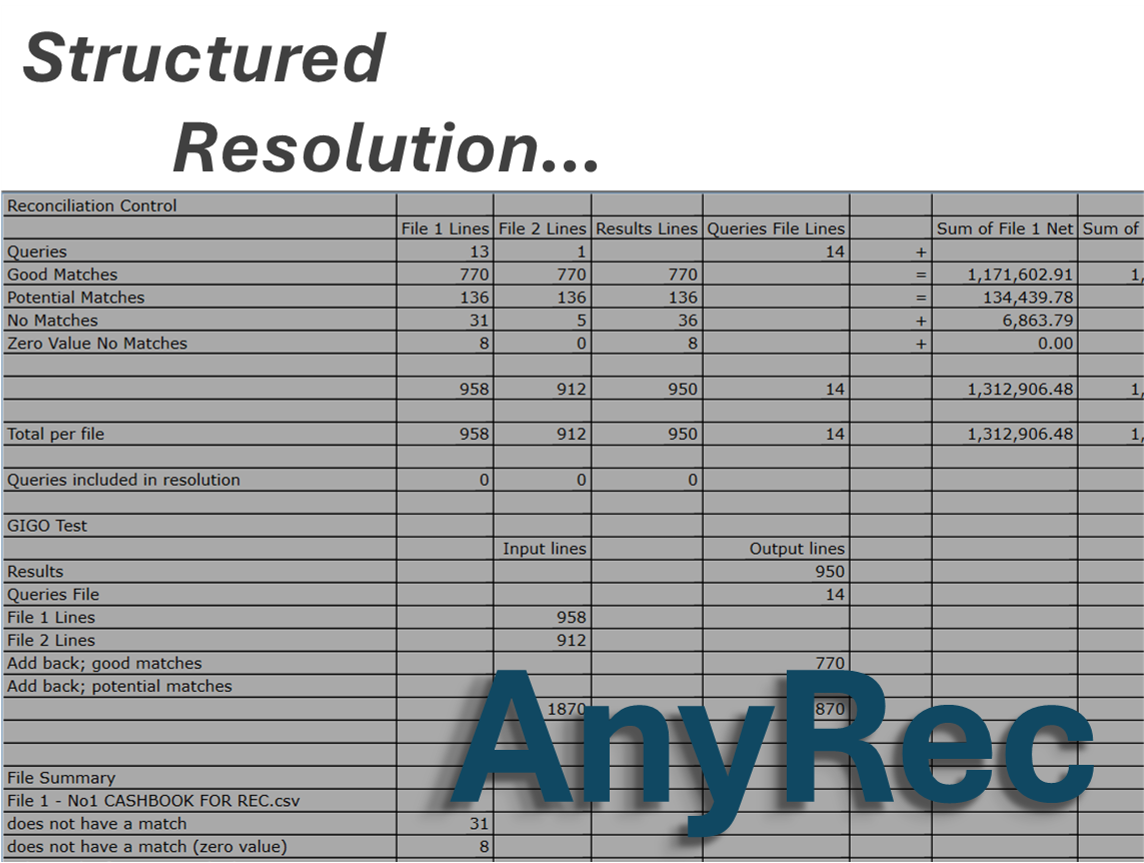
Structured Resolution
Financial work demands structure. Our software is designed to help you surface discrepancies and resolve them in a reliable structure.
🔒
Professional-grade
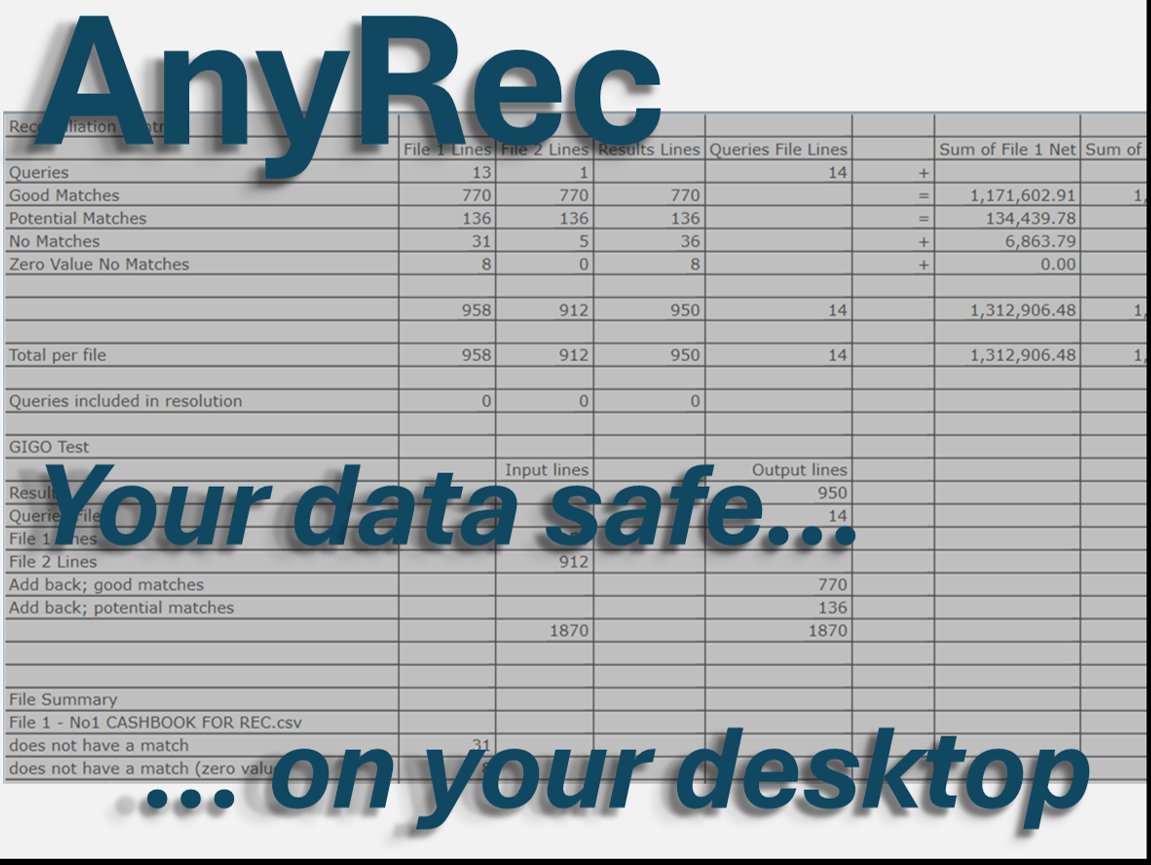
Built for people who work with real client data and need software they can trust every day in the security of their own computer.
Who We Serve
Built for finance professionals.
Morgallion tools are designed for those who work with financial data day-to-day.
🧾Accountants
📒Bookkeepers
🏢Finance Teams
📂Auditors
💼Practice Managers
AnyRec
Available Now
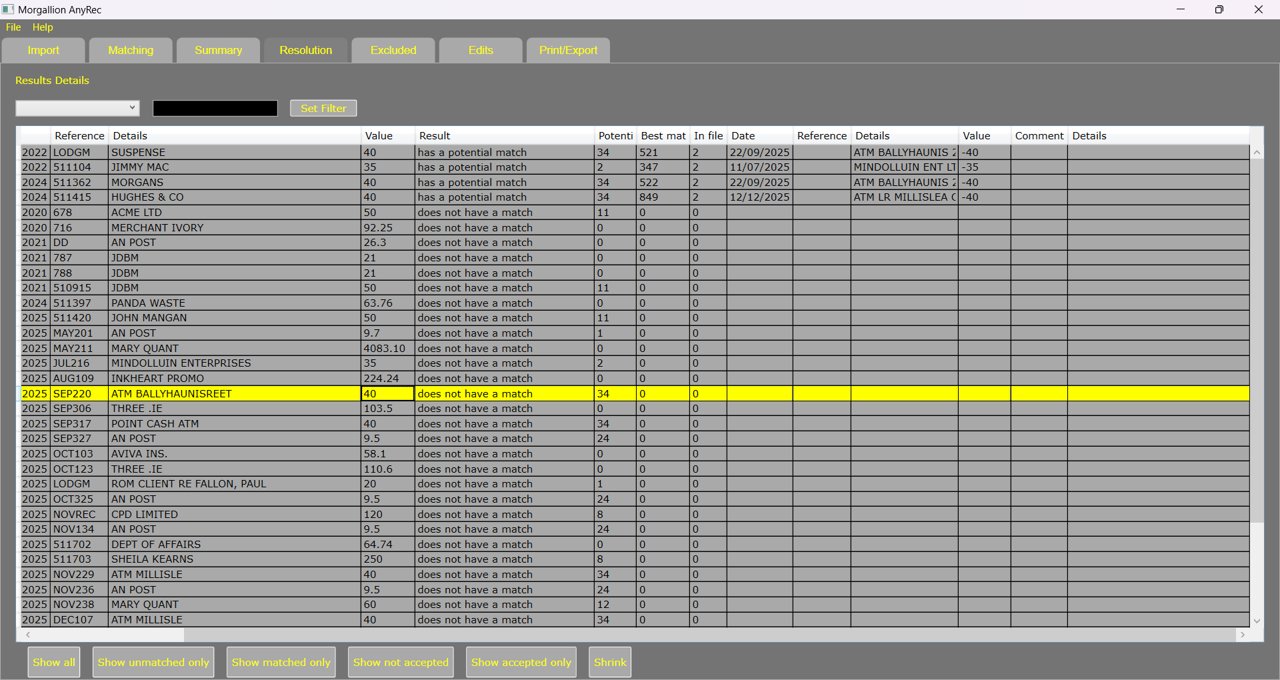
Reconcile anything, from anywhere. AnyRec allows you to match balances and transactions from any two data sources — regardless of what software produced them.
Software-Agnostic Import
Bring in data from any accounting system, bank export, or spreadsheet. AnyRec doesn't care where your data came from.
Intelligent Matching
Automatically match transactions across sources, surfacing discrepancies clearly so you can focus on exceptions.
Balance Reconciliation
Compare closing balances between any two sources and drill into unmatched items instantly.
Clear Reporting
Export a clean reconciliation report for your records, your client, or your audit file.
How It Works
Three steps to a clean reconciliation.
1
Import your two data sources
Upload exports from your bank, accounting software, or any other system. AnyRec accepts common file formats and normalises the data automatically.
2
Review matched and unmatched items
AnyRec automatically matches transactions between both sources and clearly highlights anything that doesn't reconcile, so you know exactly where to look.
3
Export your reconciliation
Generate a clean, professional reconciliation report ready for your client file, audit trail, or team review.
Get started with AnyRec
Contact us to find out more or to arrange a demonstration for your practice.